
Description
What If You Could Post a Professionally Designed, AI-Written LinkedIn Post Every Single Day — Without Touching Canva or Writing a Word?
Not just text posts with no visuals.
We’re talking complete LinkedIn posts — with engaging content from your Notion database, a unique AI-generated image created by Gemini, placed into a branded Google Slides template with your logo and colors — then published directly to LinkedIn with proper hashtags and formatting.
Every. Other. LinkedIn Tool. Stops at scheduling text.
They give you a text scheduler and call it automation. No custom images. No branded graphics. No visual consistency. You still spend 20-30 minutes per post designing in Canva, writing captions, and manually uploading everything.
This one doesn’t stop there.
This workflow generates a unique AI illustration using Gemini’s image model based on your post topic — not stock photos, not generic templates — then places it into your branded Google Slides template, overlays the post title, and publishes the complete post with image directly to LinkedIn.
The result? A scroll-stopping LinkedIn post that looks like your marketing team spent an hour on it.
You spent zero time.
This is the difference between a LinkedIn scheduler and a full LinkedIn content production system.
So What Does “Fully Automated” Actually Mean?Save 10+ Hours Weekly on LinkedIn Content
Stop manually writing, designing, and publishing LinkedIn posts.
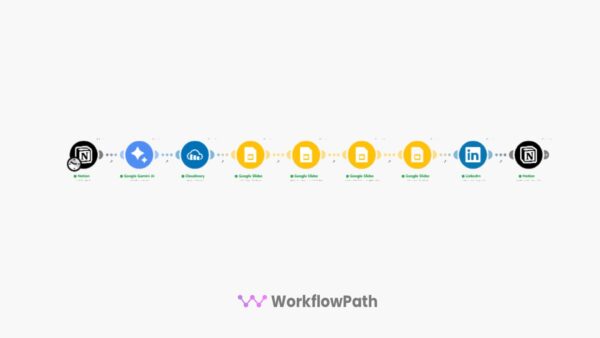
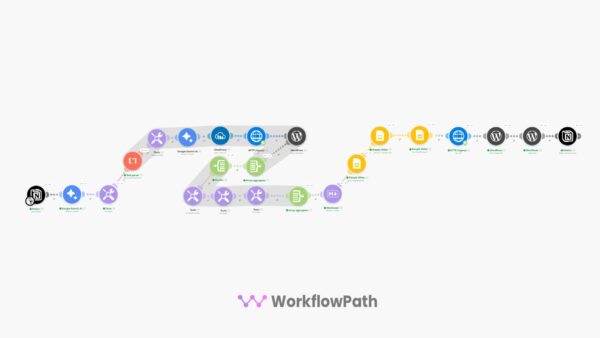
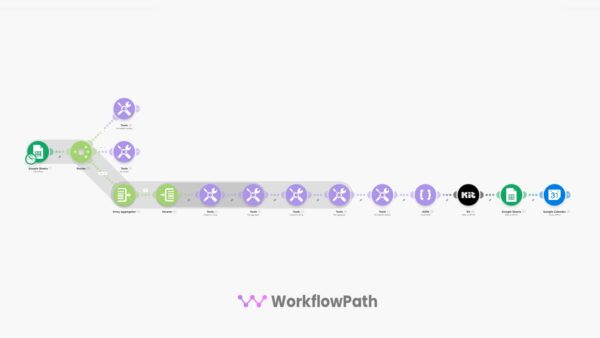
This Make.com automation pulls your content from Notion, generates a unique AI image with Gemini, places it into a branded Google Slides template, and publishes directly to LinkedIn — automatically.
You just fill in your Notion database and let the automation handle the rest.
Most LinkedIn tools only schedule text. We generate branded visuals with AI and publish complete image posts automatically.
Publish LinkedIn Posts on Autopilot
You have a Notion database full of LinkedIn post ideas — titles, content, hashtags, image prompts. But turning each one into a polished post with a custom branded image takes 20-30 minutes every single time.
This automation handles the entire pipeline — from Notion row to published LinkedIn post — in minutes.
AI-generated branded post images. No Canva needed.
What This LinkedIn Automation Does
Schedule it daily, weekly, or trigger manually — you control the pace.
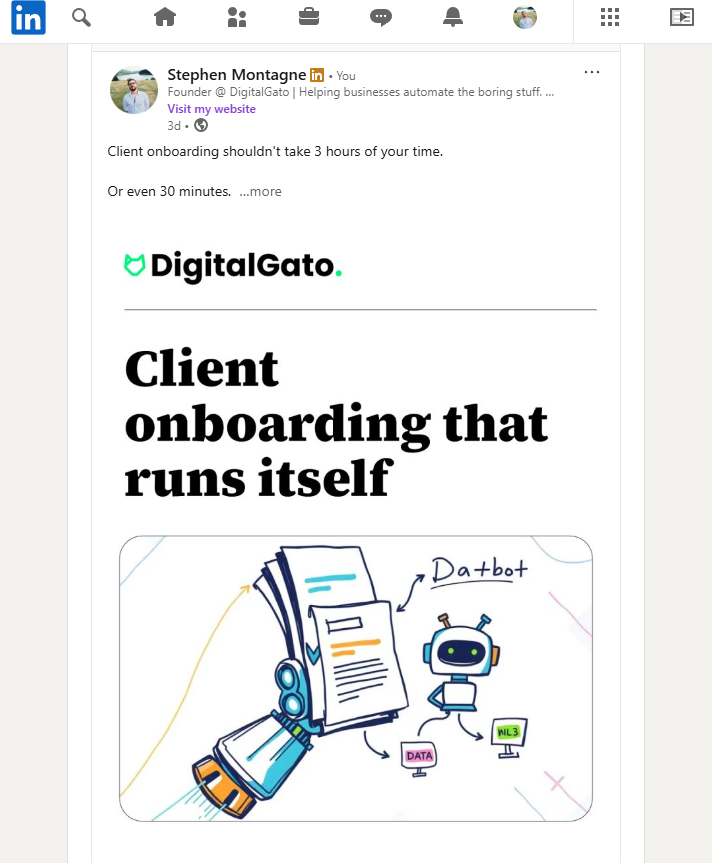
Example of an Auto-Generated LinkedIn PostAI-generated image + branded Google Slides template + auto-published with your content and hashtags.
What’s Included
Tools You Need (Free or Low Cost)
Who This Is For
Common Questions
Do I need coding or technical skills?
No. Import the JSON into Make.com, connect your accounts (Notion, Gemini, Cloudinary, Google, LinkedIn), duplicate the Notion template, copy the Google Slides template, and set your schedule. Most users are up and running in 15 minutes.
How does the AI image generation work?
The workflow reads an image prompt from your Notion database, sends it to Gemini’s Nano Banana image model to generate a unique illustration, uploads it to Cloudinary, then places it into your branded Google Slides template before publishing to LinkedIn.
Does it post automatically or can I review first?
By default it publishes directly to LinkedIn. However, you can easily modify the workflow to pause before posting — for example, by adding a manual approval step or reviewing the Google Slides output first.
What does the Gemini API cost?
Google typically offers $300 in free credits for new accounts. For most users posting daily on LinkedIn, the free tier lasts months. After that, Gemini pricing is extremely affordable for image generation.
Can I customize the image style and post template?
Yes. The AI image prompt is fully editable in the Notion database and Make.com scenario. The Google Slides template is yours to customize — change the background, logo, colors, fonts, layout. Just keep the title placeholder intact.
How does the branded Google Slides template work?
The workflow takes your AI-generated image, places it into a Google Slides template as the background, overlays the post title dynamically, renders the slide as a final image, and uses that as your LinkedIn post image. Every post gets a unique, on-brand visual.
What Notion fields does the template use?
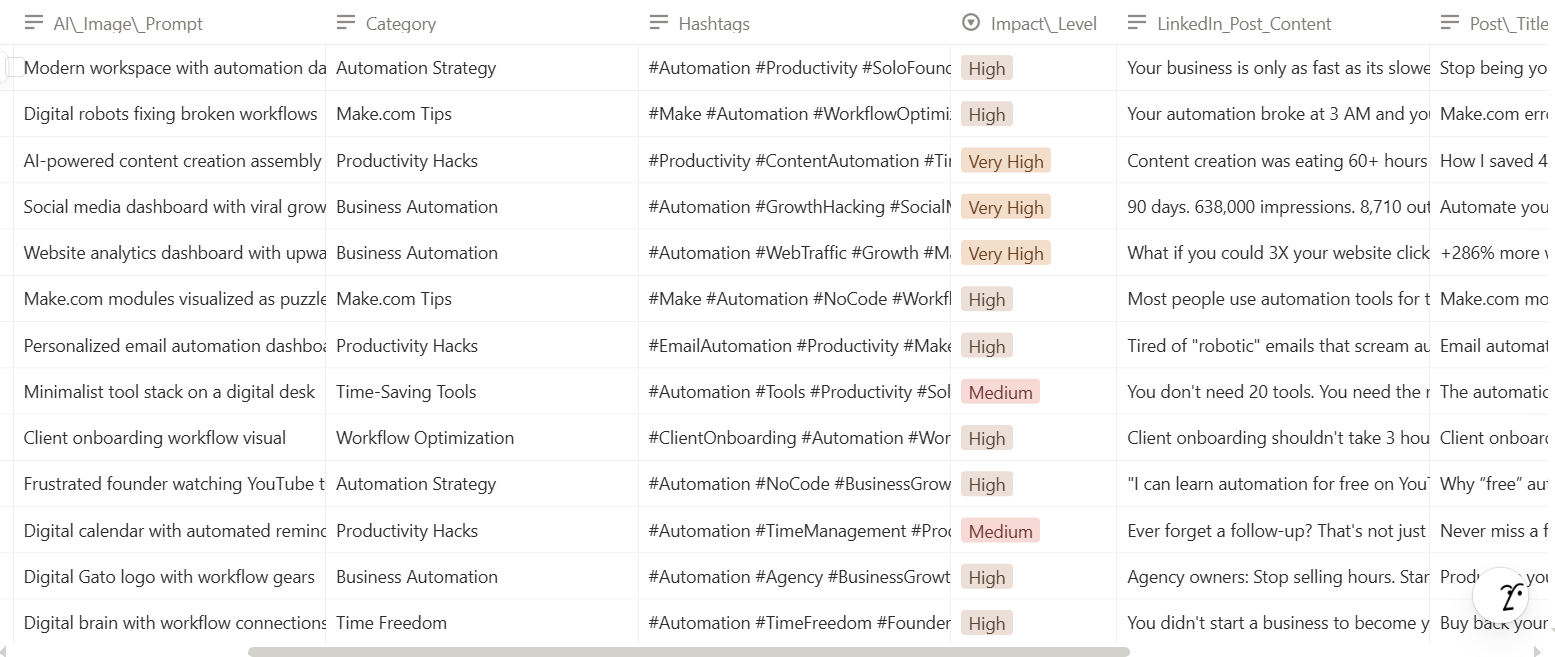
The included Notion template has columns for: Post Title, LinkedIn Post Content, Hashtags, AI Image Prompt, Category, Impact Level, and Published status. An example CSV with 30 post ideas is included to get you started.
Ready to Automate Your LinkedIn?
Get instant access to the complete Notion-to-LinkedIn automation and start publishing branded, AI-powered posts without the manual work.
One-time purchase • No subscriptions • Customizable templates • Commercial use allowed

Reviews
There are no reviews yet.