

Description
What If Every Blog Post, Product, or Article You Publish Automatically Became a Pinterest Pin — With a Unique Image, Optimized Title, and Zero Manual Work?
Not another scheduler that just queues up your existing pins.
We’re talking complete Pinterest pins — with a relevant high-quality image pulled from Unsplash, customized in your branded Google Slides template, a Gemini AI-written description packed with the right keywords for Pinterest SEO — then posted directly to your Pinterest boards.
Every. Other. Pinterest Tool. Just schedules pins you already made.
They give you a calendar to drag and drop existing content. You still spend 15-20 minutes per pin finding images, writing descriptions, designing graphics, and uploading manually. Multiply that by 30 pins a month and you’ve lost an entire workday.
This one doesn’t stop at scheduling.
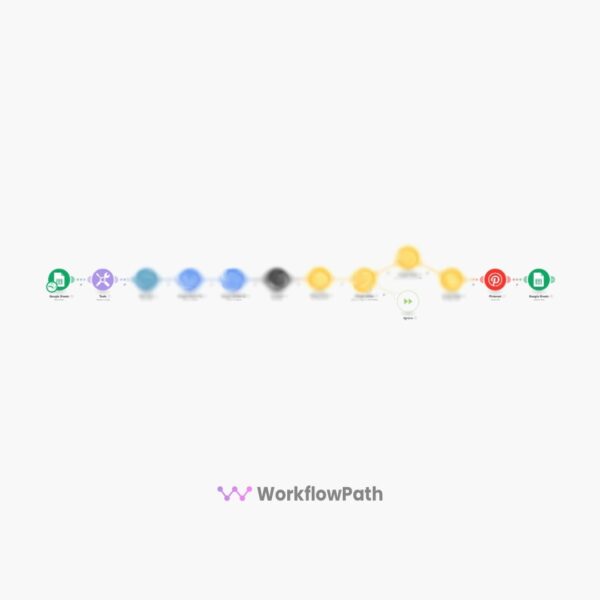
This workflow takes a row from your Google Sheet — a URL, a title, a meta description, and an image keyword — and builds the entire pin from scratch. It finds a matching Unsplash photo, places it into your branded Google Slides template, generates an optimized pin title and description, and posts it directly to your Pinterest board. Then it marks it as done so it’s never duplicated.
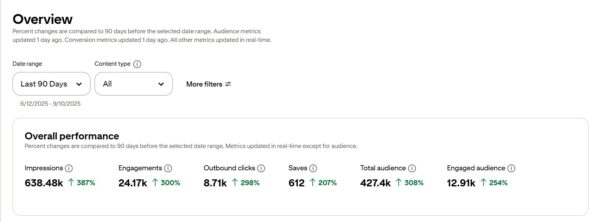
The result? A steady stream of unique, on-brand Pinterest pins driving traffic to your site — while you do literally nothing.
No Canva. No AI image fees. No manual uploads. AI-written descriptions optional but included.
This is the difference between a Pinterest scheduler and a full Pinterest content production system.
This Is Not Another Pin SchedulerTurn Every Blog Post, Product, or Article Into Pinterest Traffic on Autopilot
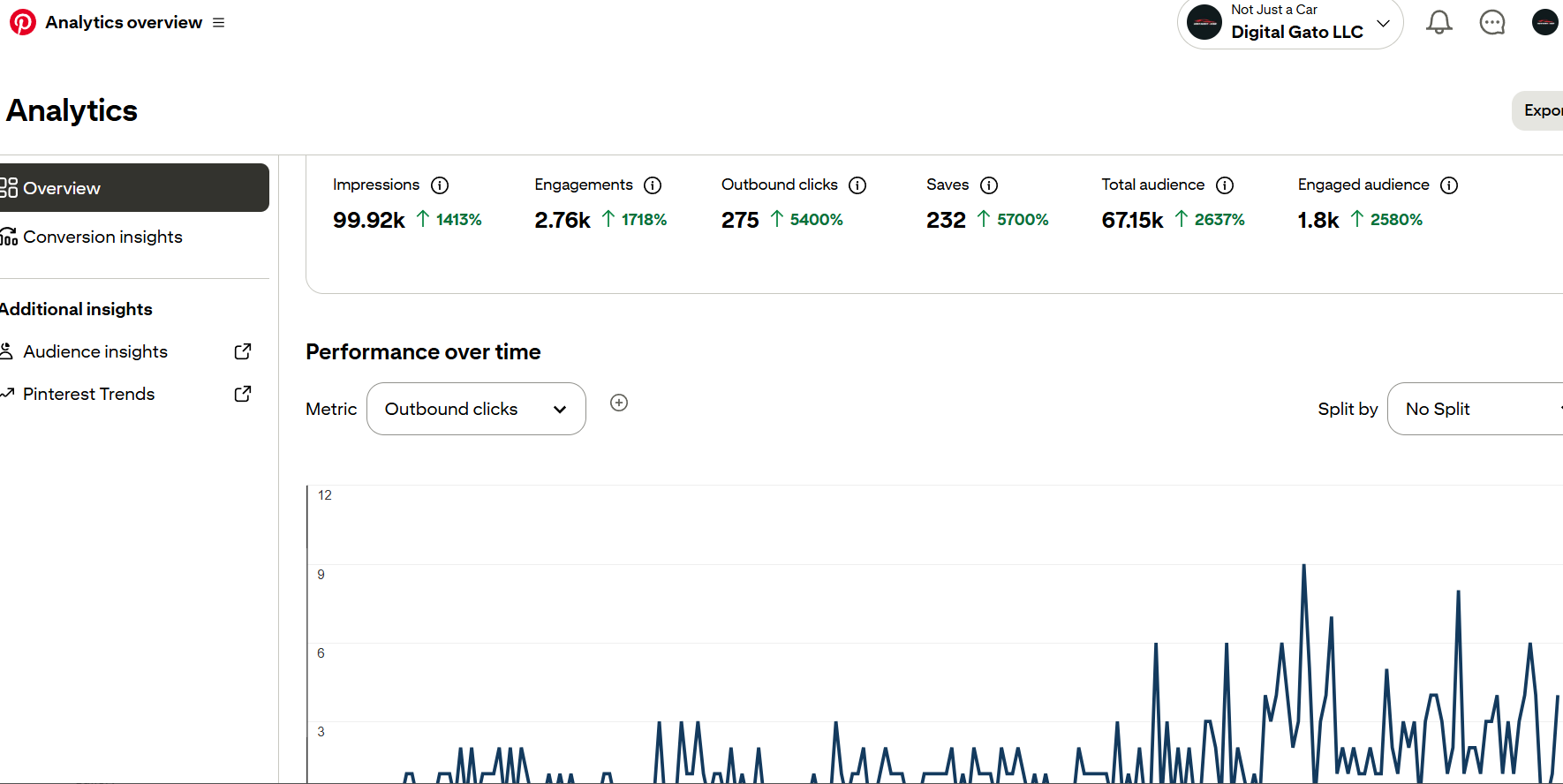
Stop manually creating Pinterest pins for every blog post or product.
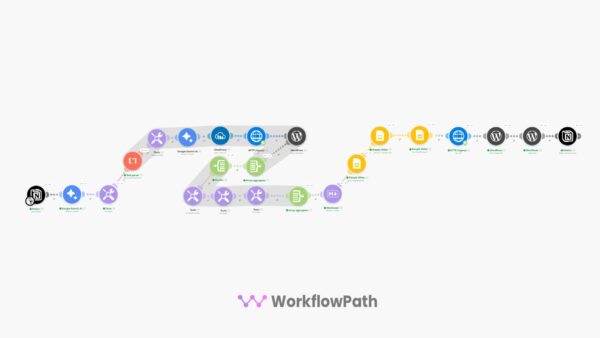
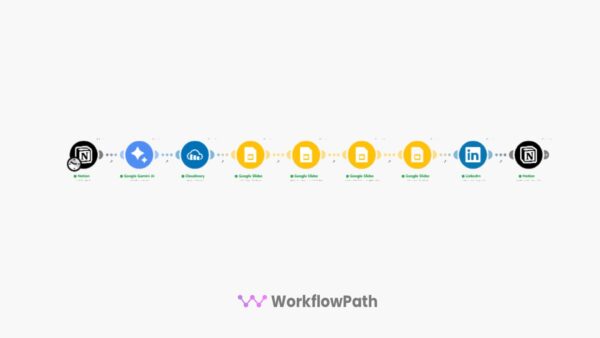
This Make.com automation takes your content links from a Google Sheet, pulls matching images from Unsplash, brands them in Google Slides, uses Gemini AI to write keyword-rich pin descriptions, and publishes directly to your Pinterest boards — automatically.
Just add a row to your spreadsheet. The rest happens without you.
No AI image costs. No Canva. No manual uploads. Real Unsplash photos, branded and posted automatically. AI-optimized pin descriptions included — or skip Gemini and write your own.
Automate Your Pinterest Growth Engine
You have blog posts, product pages, and articles that could be driving thousands of Pinterest visitors every month. But creating individual pins — finding images, writing descriptions, designing graphics, uploading one by one — eats hours you don’t have.
This automation handles the entire pipeline — from spreadsheet row to published Pinterest pin — in minutes.
Real Unsplash photos, branded in your Google Slides template. No stock photo fees. No AI detection risks.
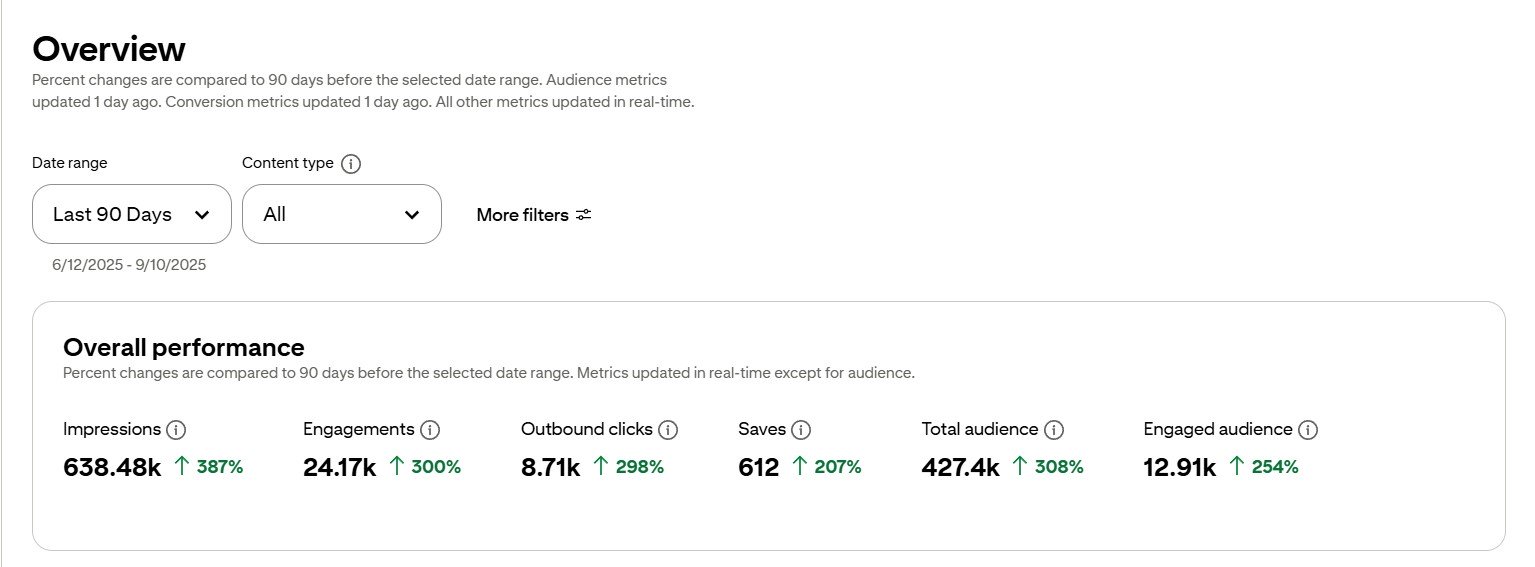
What This Pinterest Automation Does
Works with any website, blog, or e-commerce platform. Schedule daily or weekly — you control the pace.
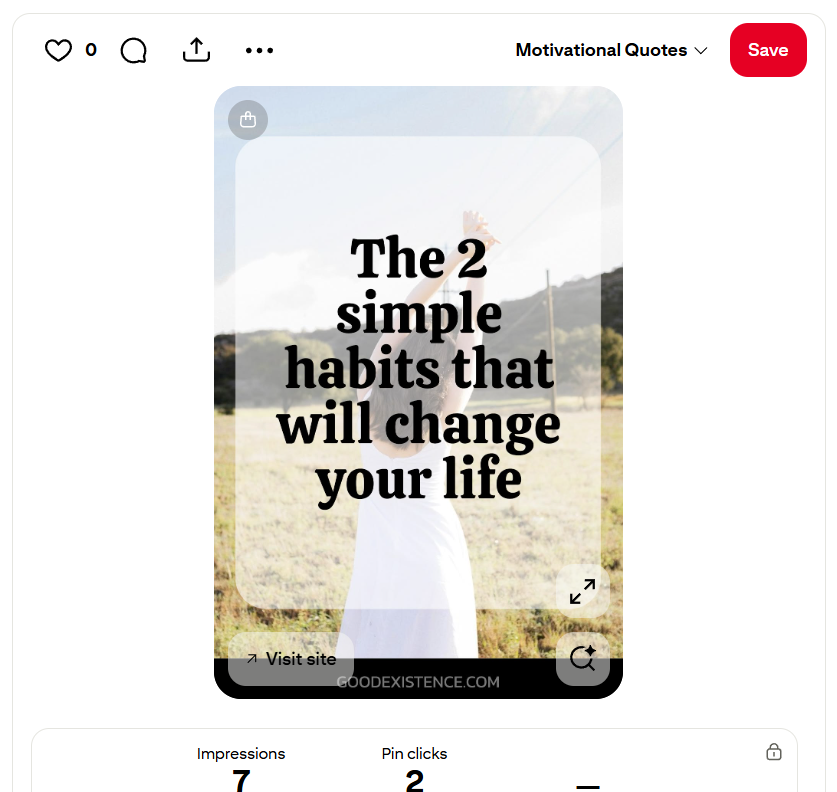
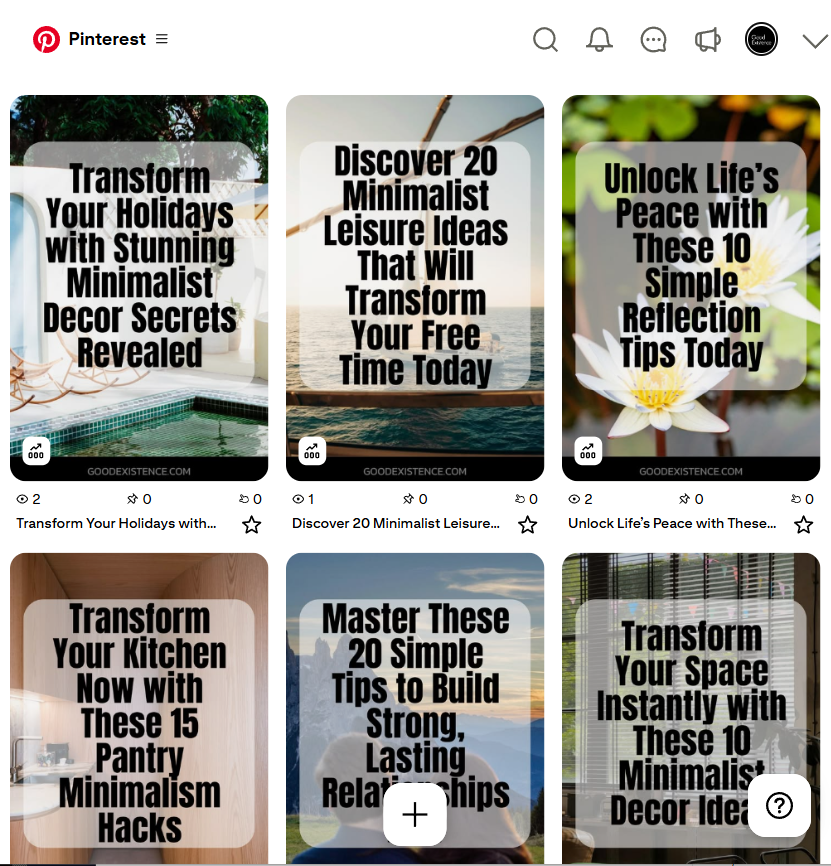
Example of an Auto-Generated Pinterest PinsUnsplash image + branded Google Slides template + optimized copy + auto-posted to your board.
What’s Included
Tools You Need (Free or Low Cost)
Who This Is For
Common Questions
Why Unsplash instead of AI-generated images?
Unsplash provides high-quality, royalty-free photos that look authentic and natural. There are no AI detection risks, no generation costs, and Pinterest’s algorithm treats real photography favorably. You can always swap in AI image generation later if you prefer.
Do I need coding or technical skills?
No. Import the JSON into Make.com, connect your Google and Pinterest accounts, copy the spreadsheet and Slides templates, and add your content links. Most users are posting pins within 15 minutes of setup.
Does it post automatically or can I review first?
By default it posts directly to your Pinterest board. You can modify the schedule to batch-create pins and review the Google Slides output before they go live, or simply let it run fully automated.
What goes in the Google Sheet?
Each row needs: the destination URL (your blog post or product page), a title, a meta description, and an image keyword for Unsplash. The template spreadsheet is included with example rows so you can see the exact format.
Can I customize the pin design?
Yes. The Google Slides template is fully editable — change colors, fonts, logo placement, overlay text positioning, and layout. Every pin generated will use your branded template automatically.
Does this work for e-commerce products?
Absolutely. Any URL works — blog posts, product pages, landing pages, affiliate links. As long as you can provide a title, description, and image keyword, the automation will create and post a branded pin for it.
Is the Gemini AI description optional?
Yes. The automation includes a Gemini AI module that writes Pinterest SEO-optimized descriptions for each pin automatically. If you prefer to write your own descriptions, you can add them directly in the Google Sheet and skip the Gemini step — or remove the module entirely. Google typically offers $300 in free API credits for new accounts, so most users get months of usage at no cost.
Are there any recurring costs?
Almost everything is free: Make.com (1,000 ops/month), Google Sheets, Google Slides, Unsplash API, and Pinterest Business are all free tier. The only optional cost is the Gemini API for AI-written pin descriptions — but Google offers $300 in free credits and you can skip it entirely if you write your own descriptions.
Ready to Turn Your Content Into a Pinterest Traffic Machine?
Get instant access to the complete automated Pinterest pin creator and start driving traffic from every blog post, product, and article — without the manual work.
One-time purchase • No subscriptions • No AI image costs • Gemini descriptions optional • Commercial use allowed
Reviews
There are no reviews yet.