
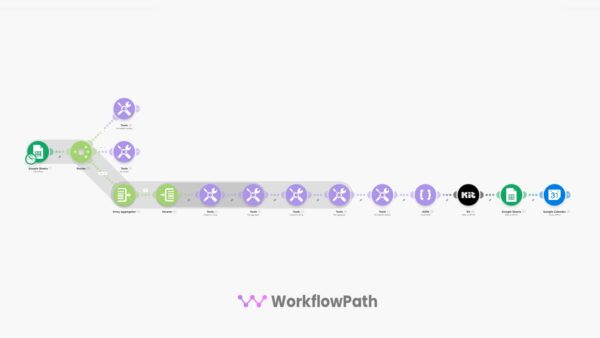
Description
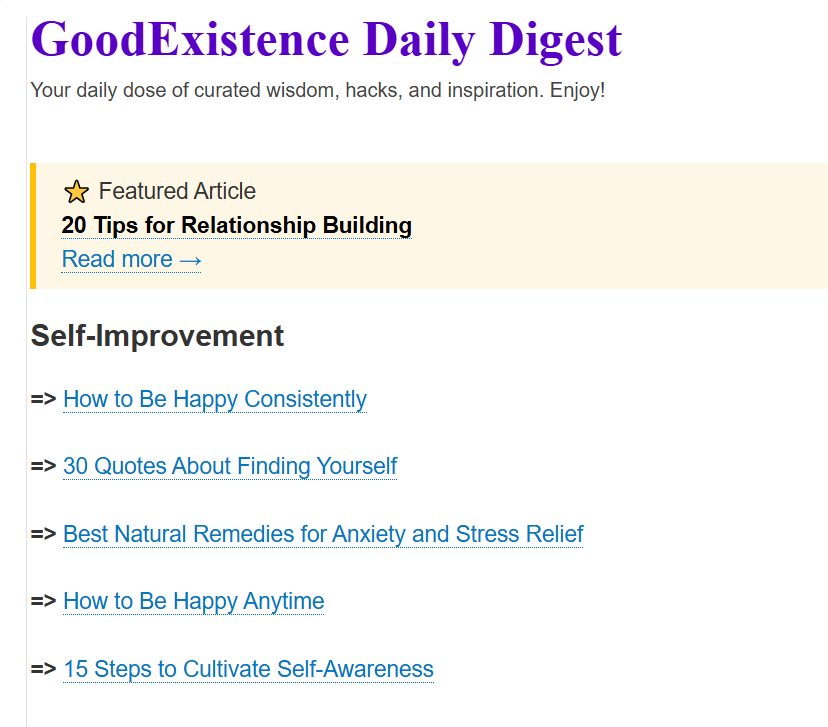
Stop manually building newsletters every week.
This Make.com automation curates your content library into category-organized emails — complete with a featured article spotlight — and creates ready-to-send drafts in Kit.com
You just approve and publish in under 2 minutes.
Save 2-4 Hours Weekly
You have a growing library of blog posts, resources, or curated links. Your audience expects consistent newsletters. But manually selecting articles, organizing by topic, formatting emails, and tracking what you’ve already sent takes hours every week.
This automation eliminates that entire process.
Best part? It works entirely with free tools.
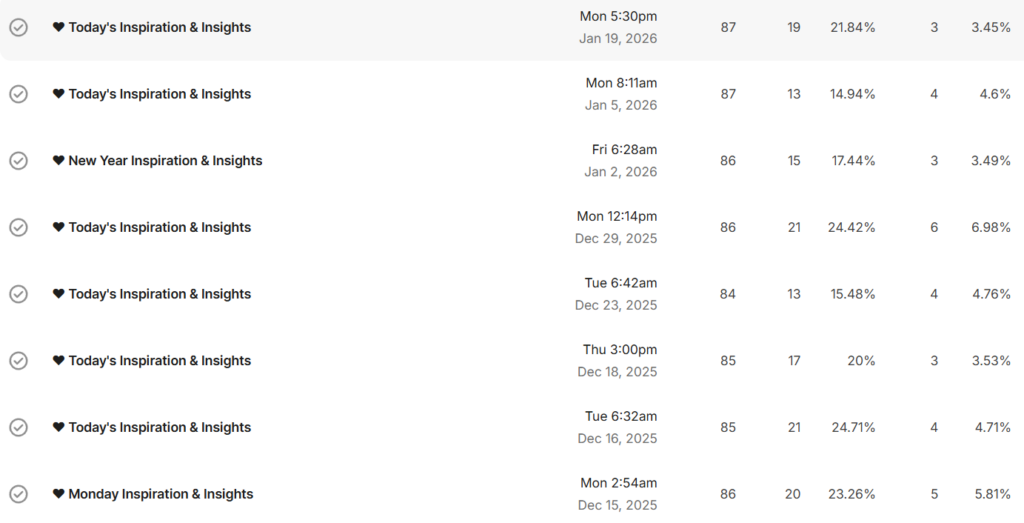
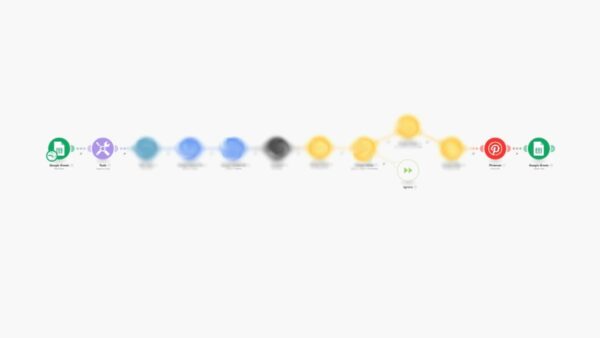
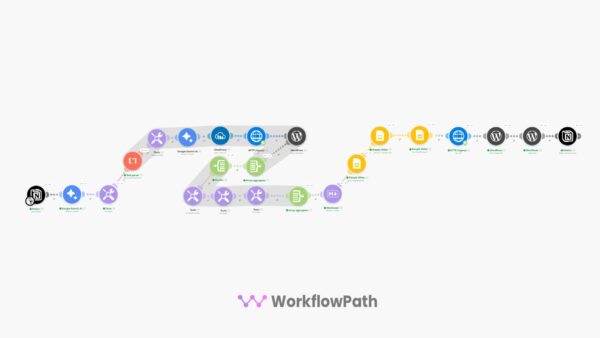
What This Newsletter Automation Does
Run it daily, weekly, or monthly — you control the schedule.
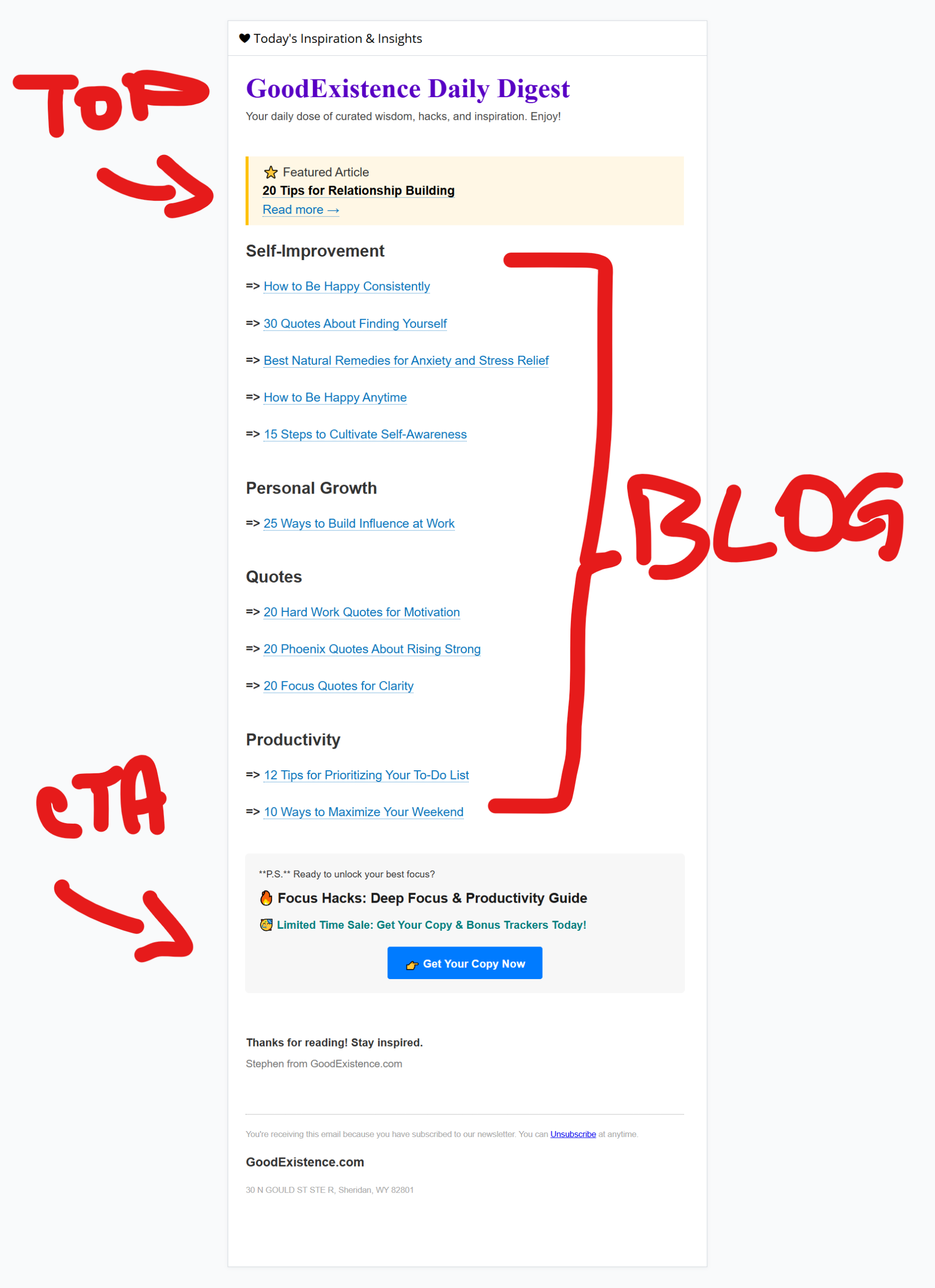
Example of the Email Created
What’s Included
Works With 100% Free Tools
Who This Is For
Common Questions
Do I need technical skills?
No coding required. Import the JSON, connect your accounts, copy the spreadsheet template, and set your schedule. Most users finish setup in 15 minutes.
Can I add sponsors or CTAs?
Yes. The template includes a section where you can insert sponsor messages, promotional offers, or custom calls-to-action before the curated content.
Does it auto-publish or can I review first?
By default, it creates a draft in Kit.com and sends you a calendar notification to review. You approve and publish manually. Want full automation? You can modify it to publish immediately.
How does the Featured Article work?
The first unsent article in your sheet becomes the spotlight with special formatting and a “⭐ Featured Article” label. Reorder your spreadsheet to control what gets featured next.
What if I want to send more or fewer articles?
The default pulls 12 articles per send. You can adjust this number in the Google Sheets filter module.
Ready to Automate Your Newsletter?
Get instant access to the complete automation system and start sending professionally curated newsletters without the manual work.
One-time purchase • No subscriptions • Free tools only • Commercial use allowed
Reviews
There are no reviews yet.