

Description
What If You Could Publish a Fully Written, Fully Illustrated Blog Post Every Single Day, Without Writing a Single Word?
Not just AI-generated text slapped into WordPress.
We’re talking complete blog posts — with SEO-optimized content, a unique AI-generated image under every single heading, a branded featured image with your title on it, proper slugs, excerpts, alt tags — all created from a single row in your Notion database.
Every. Other. Automation. Stops at the text.
They give you a wall of AI words and call it a day. No images. No formatting. No featured graphic. You still spend 30-45 minutes per post adding visuals, fixing layout, uploading media, writing alt text, and setting the featured image manually.
This one doesn’t stop there.
This workflow generates a unique custom illustration for every H2 section of your article using Gemini’s image model — not stock photos, not placeholders — actual on-brand visuals that match the content of each section. Then it uploads them to your WordPress media library, embeds them in the right place inside the post, and sets a dynamically generated featured image from your own branded Google Slides template.
The result? A publish-ready WordPress draft that looks like a human designer and writer spent 3 hours on it.
You spent zero time.
This is the difference between an AI text generator and a full content production system.
So What Does “Fully Automated” Actually Mean?Save 40+ Hours Monthly
Stop manually writing, formatting, and publishing blog posts.
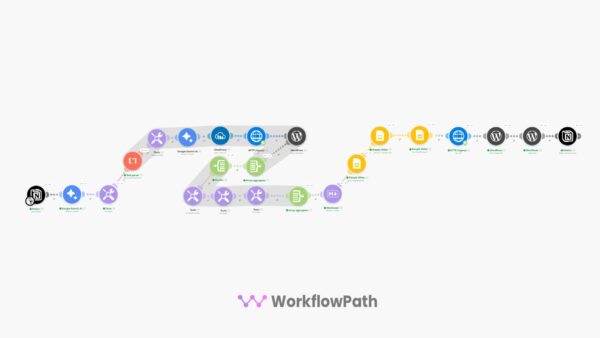
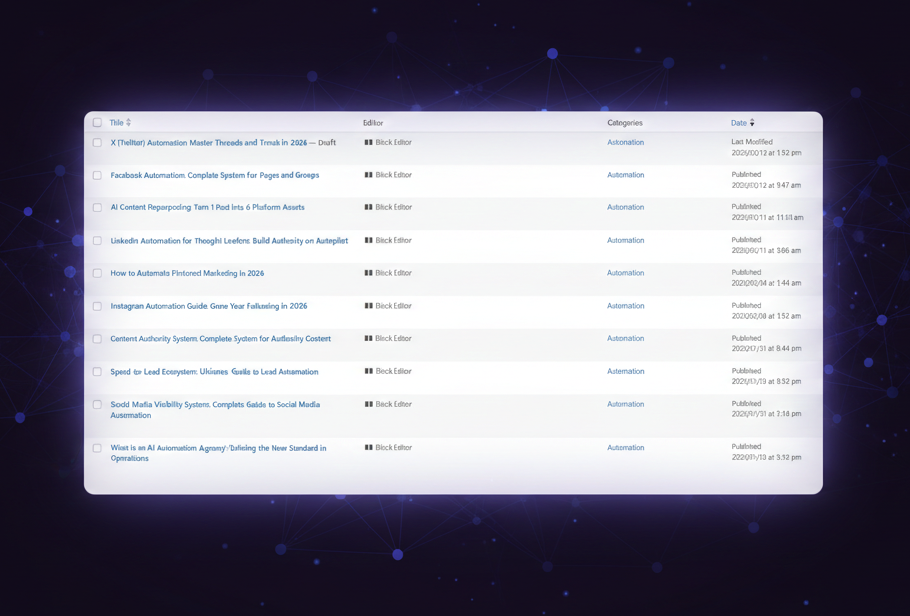
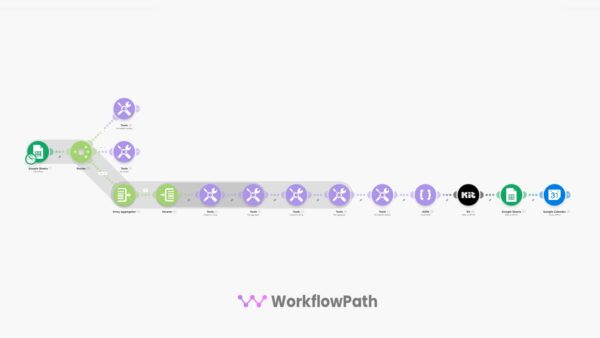
This Make.com automation pulls post ideas from your Notion database, writes SEO-optimized content with Gemini AI, generates unique images for every heading, and publishes drafts to WordPress — automatically.
You just review the draft and hit publish.
Most automations just automates the text, we also automate and add unique custom images for every heading of the article!
Publish Blog Posts on Autopilot
You have a Notion database full of blog post ideas — keywords, topics, SEO descriptions. But turning each one into a published article with custom images, proper formatting, and a featured graphic takes hours per post.
This automation handles the entire pipeline — from idea to WordPress draft — in minutes.
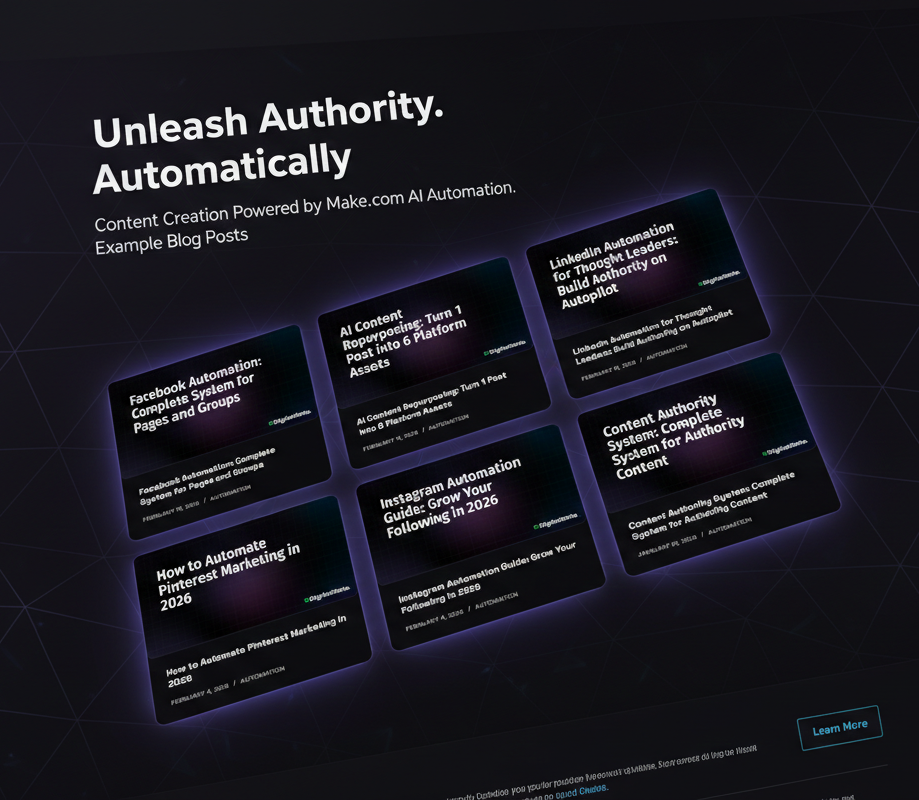
AI-generated images for every section heading. No stock photos needed.
What This Blog Automation Does
Schedule it daily, weekly, or trigger manually — you control the pace.
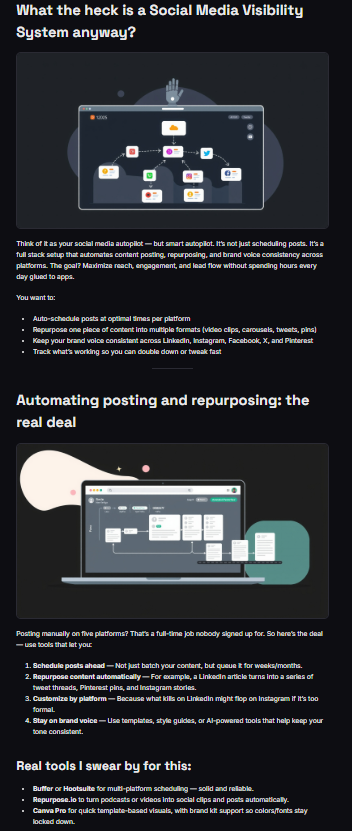
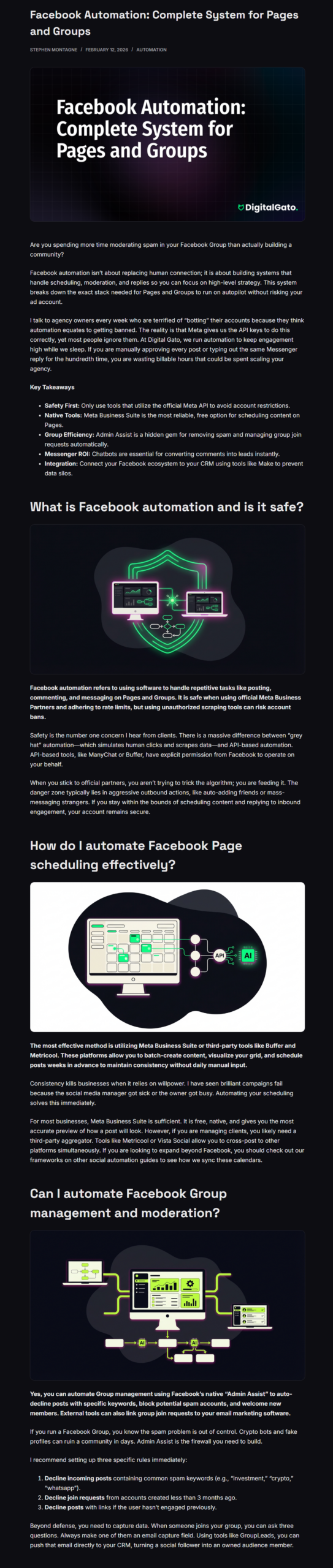
Example of an Auto-Generated Blog PostIt creates a featured image + custom images for each section heading, something that many Make.com automation templates don’t know how to do.
What’s Included
Tools You Need (Free or Low Cost)
Who This Is For
Common Questions
Do I need coding or technical skills?
No. Import the JSON into Make.com, connect your accounts, duplicate the Notion template, copy the Google Slides template (for the featured image), and set your schedule. Most users are up and running in 20 minutes.
How does the AI image generation work?
The workflow sets up custom tags for the generated article, then sends each keyword to Gemini’s image model to create a unique illustration. Images are uploaded through Cloudinary to your WordPress media library with proper alt text.
Does it publish automatically or can I review first?
By default, posts are created as WordPress drafts. You review the content and images, make any edits, then publish when ready. You can change it to auto-publish if you prefer full automation.
What does the Gemini API cost?
Google provides free API credits for Gemini. For most bloggers publishing 1-5 posts per week, the free tier is more than enough. If you scale beyond that, Gemini pricing is extremely affordable.
Can I customize the writing style and image style?
Yes. The AI writing prompt and image generation prompt are fully editable inside the Make.com scenario. Change the tone, structure, visual style, brand colors — everything is customizable to match your brand.
How does the featured image work?
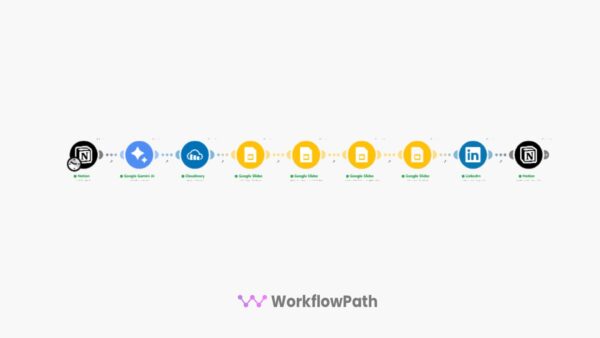
The workflow uses a Google Slides template to generate a branded featured image with your post title overlaid. The slide is rendered as an image, downloaded, and set as the WordPress featured image automatically.
What Notion fields does the template use?
The included Notion template has columns for: full keyword (title), primary keyword, slug, category, SEO meta description, AI writing prompt, intent, internal links, and status. All fields are pre-configured to work with the automation.
Ready to Automate Your Blog?
Get instant access to the complete Notion-to-WordPress automation and start publishing AI-written, image-rich blog posts without the manual work.
One-time purchase • No subscriptions • Customizable prompts • Commercial use allowed

Reviews
There are no reviews yet.